Design Protocolsinterface documentation
Information

- Type
- Utility
- Creates
- Does not create entities
- Uses prompts
- No
- Configure in
- Architect Classic
- Architect
- Run in
- Interviewer Classic
- Interviewer
- Fresco
Requires protocol schema 1 or later.
The Information Interface is a general purpose screen that can be used to present information to participants using a variety of text and media resources. For example, this screen can be useful to introduce a study or to provide instructions or context for a particular stage in the survey.
When using the Information Interface, you can incorporate one or multiple resources by either retrieving files from your resource library in Architect or locally from your device. There is no limit on the number of items: participants can scroll through the screen, so add as many as you need.
Configuring Information Screen
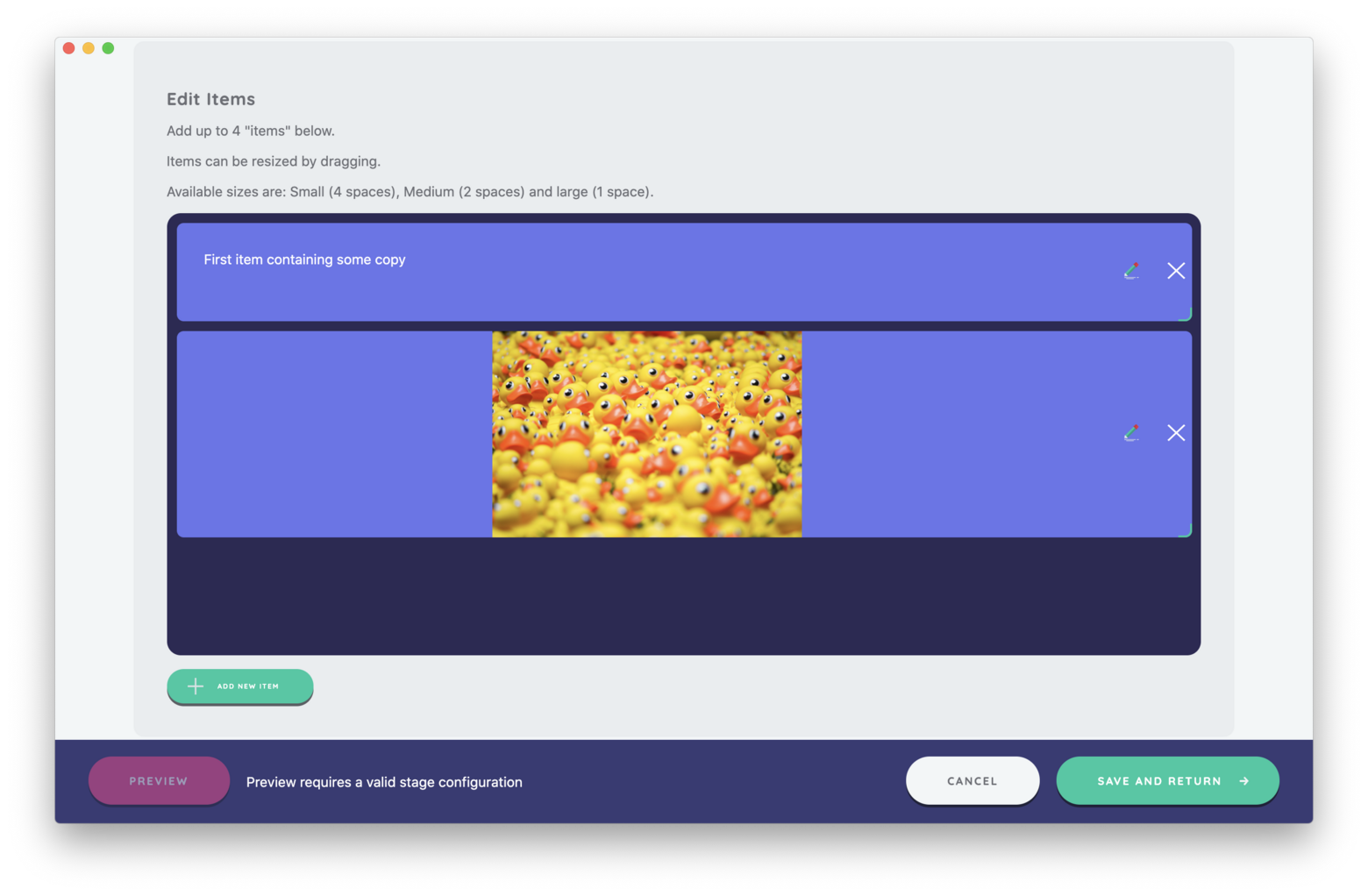
An information screen is made up of a required page heading, followed by a column of items shown from top to bottom. Each item can be text, an image, a video or audio, and a screen needs at least one. Items can be re-arranged by dragging. Images and videos can be given a display size: Full size shows them at their natural height, while Small, Medium and Large limit how tall they are drawn, keeping their shape.
Best Practices
Use this Interface to explain stage activities to participants to increase comprehension and engagement. This may be especially important for increasing survey accessibility.
Try to Avoid
Resist overloading the Interface with text and instead consider using other resource types to communicate information to your participants.