Design Protocolskey concepts
Interfaces
Details
Interviews in Network Canvas are comprised of one or more stages, which can be thought of as the individual screens that a participant sees. Each stage is an instance of an Interface that has been configured to collect specific variables or create nodes and edges. Interfaces are therefore the most fundamental building blocks of a Network Canvas interview.
Each Interface is designed to accomplish a single specific task in the network interview. Some tasks, such as edge generation, can be accomplished with different Interfaces. You choose which Interface to use when designing your interview in Architect based on your research needs.
Types of interfaces
Interfaces can be broadly categorized as: name generators, sociograms, name interpreters, or utilities.
Name Generator interfaces
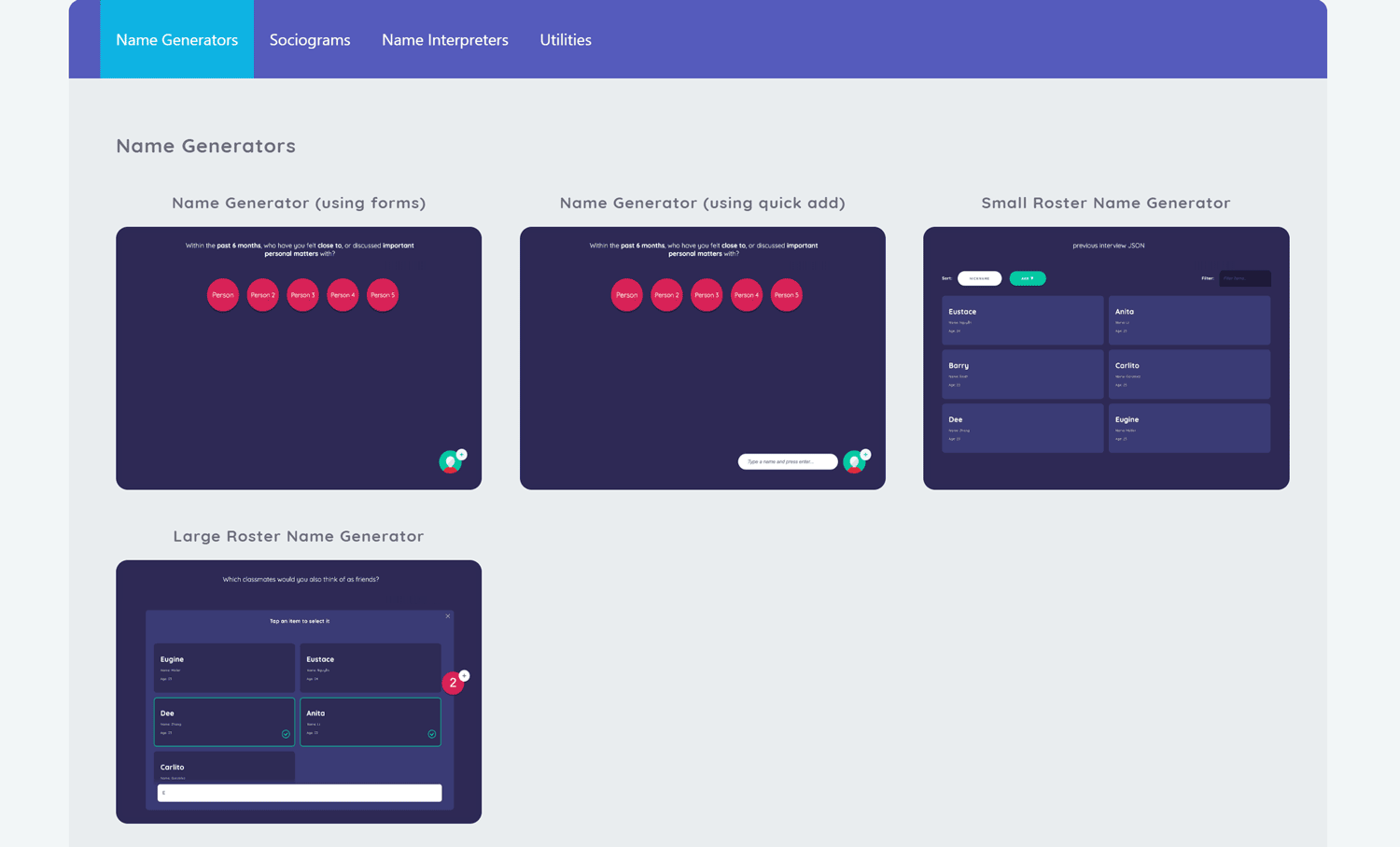
Name Generators allow participants to create alters during the course of an interview, thereby describing one of the two main entities in your study's networks. The following Name Generator Interfaces are available, each designed for specific scenarios:
- Name Generator (using forms) - Collect detailed information about each alter as they are named
- Name Generator (using quick add) - Quickly name multiple alters before collecting attributes
- Name Generator for Roster Data - Select alters from a predefined roster, adapting its presentation to the size of the roster
- Family Pedigree - Build a family pedigree by creating family members and the relationships between them, then collect attributes for each. (This interface also generates edges and interprets alters.)
- Network Composer - Build nodes and edges quickly on a single free-form canvas, designed to be driven by a researcher or interviewer. (This interface also generates edges and interprets alters.)
Sociogram interfaces
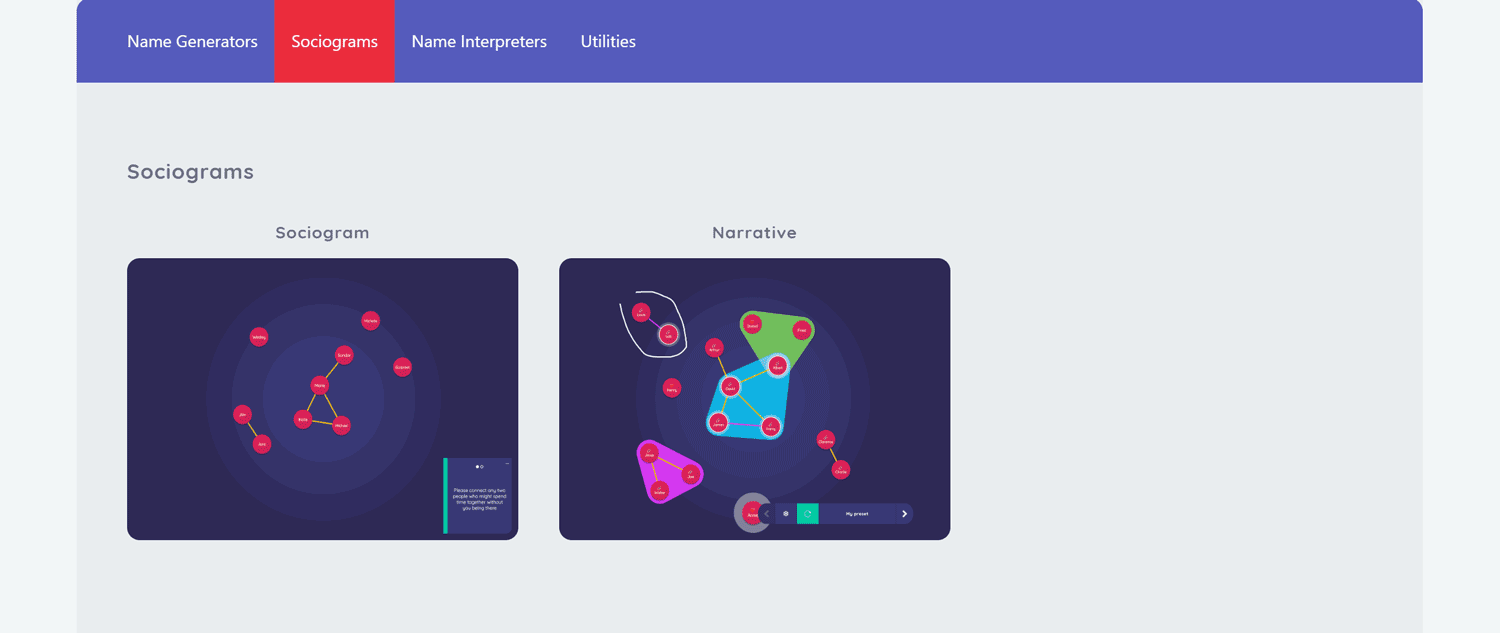
Sociograms are the visual mapping component of a network interview. On the Sociogram, participants draw ties between alters to signify the relationships between individuals within their personal network, describing the other main entity in your study's networks.
The following Sociogram Interfaces are available in Network Canvas:
- Sociogram - Interactive Interface for collecting edge data by having participants draw connections between alters
- Narrative - Display-only Interface for showing the participant's network without collecting data
- Narrative Pedigree - Display-only Interface that draws a previously built family pedigree using standard pedigree notation, overlaying inheritance information for one or more conditions
Name Interpreter interfaces
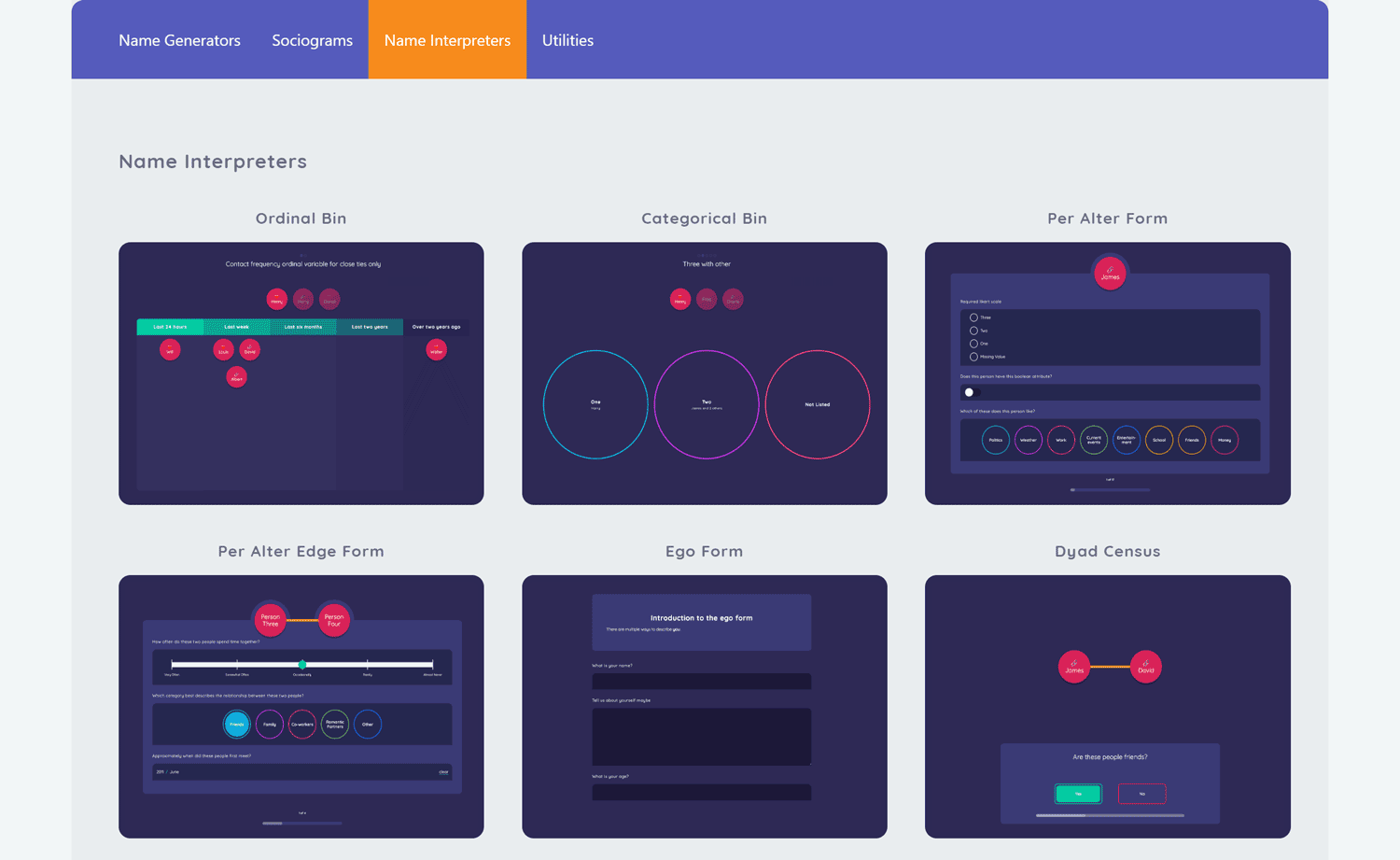
Once a protocol contains entities, Name Interpreter Interfaces can be used to collect additional information and build upon existing alters or ties. These Interfaces include:
- Ordinal Bin - Sort alters into ordered categories using a visual bin interface
- Categorical Bin - Sort alters into unordered categories using a visual bin interface
- Per Alter Form - Collect detailed attribute data about each alter using forms
- Per Alter Edge Form - Collect attribute data about edges using forms
- Ego Form - Collect data about the participant themselves
- Dyad Census - Systematically ask about relationships between all pairs of alters
- Tie-Strength Census - A Dyad Census variation that also records the strength of each tie on an ordinal variable
- One-To-Many Dyad Census - A Dyad Census variation that links one alter to multiple others at a time
- Geospatial - Capture geospatial data by having participants select areas on a map (requires an internet connection and a Mapbox account)
Utility interfaces
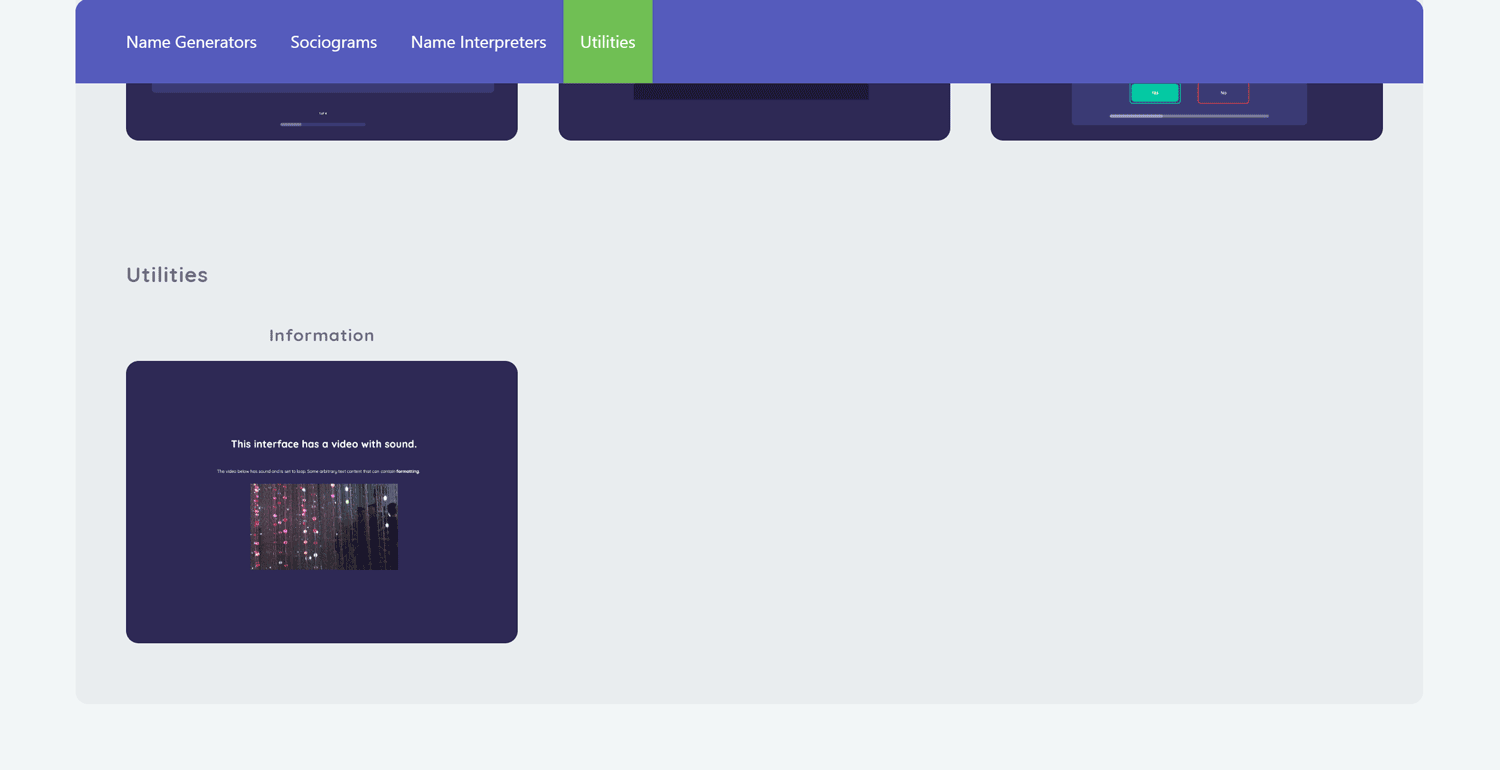
The Information Interface is a general purpose stage that can be used to present information to participants using a variety of text and media resources. This is helpful in explaining stage functionalities and increasing participant comprehension.
The Anonymisation Interface is an experimental stage that lets participants encrypt sensitive or identifiable attributes on-device, so that they cannot be read by the researcher. It is not enabled by default; you turn it on via the Encrypted Attributes experimental feature in Architect (see the Anonymisation interface documentation for how to reach it).
Related concepts
- Prompts - Configure participant-facing questions for stages
- Forms - Build forms used in Form-based Interfaces
- Variables - Define data fields to collect in Interfaces
- Skip Logic - Conditionally show or skip stages based on data
- Network Filtering - Control which nodes or edges appear within a stage